

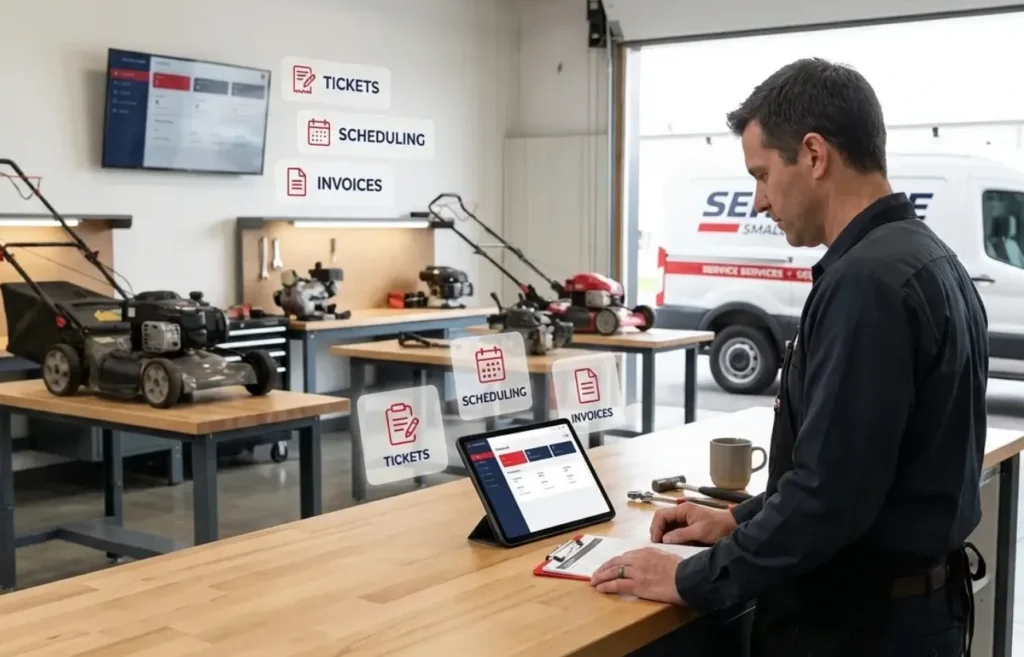
Running a small engine repair shop comes with real challenges and issues. Lawn mowers, chainsaws, snow blowers, generators, and outdoor power equipment all move through your shop at different speeds. Parts come from a dozen different vendors. Repair jobs can take 30 minutes or 3 hours. Customers expect quick updates on their gear.
Most generic systems and field service tools were not built for this kind of workflow. Your business needs a small engine repair shop software built specifically for the industry.
Before you sign up for any tool, here are the things to look for.
Repair Ticketing That Fits Your Business
Every repair starts with a ticket. Your software should let you create one in under a minute, tag it by equipment type, and track it through every stage.
Look for these basics:
- Customer contact info and equipment details i
- Pre-repair and post-repair photos
- Customer history stored under each profile
Without proper ticketing, you’re guessing every time a customer brings the same mower back six months later.
Furthermore, the software should be able to automatically notify your customers when their equipment is ready for pickup.
Inventory Management Built
Small engine shops carry hundreds of parts across dozens of brands. Briggs & Stratton carburetors. Kohler spark plugs. Stens filters. Rotary blades. Add oil, belts, and small consumables, and inventory becomes a full-time job.
Your software should give you:
- Real-time inventory counts
- Low-stock alerts before you run out
- Purchase orders generated when stock runs low
Without proper tracking, a $200 ignition coil disappears from your shelf without even you noticing it.
Along with that, to ensure your customers get top-notch repairs, order inventory from top small engine repair parts suppliers.
Billing That Doesn’t Slow Down Your Day
Billing shouldn’t pile up at the end of a busy week. Your software should:
- Auto-create invoices
- Help you accept different payment methods (cash, bank cards, digital wallets)
- Send digital bills by email or SMS
- Send payment reminders for unpaid or partially paid invoices
For B2B accounts like commercial landscapers, your software should also handle account-based billing. Multiple repairs on a single monthly invoice keeps commercial clients happy and books clean.
Reporting That Helps You Grow
You cannot grow your business unless you measure daily progress, the revenue you make, and list out your top performing employees. Your small engine repair shop software should show you:
- Top-selling repair services and accessories
- Technician performance and productivity
- Sales and tax reports
On average, a small engine repair shop can generate between $50,000 and $150,000 annually. However, when you scale, you own multiple shops. And to measure their performance and metrics, you need a reliable system.
Small engine shops especially need seasonal reports. What sold last spring. What ran out during snow blower season, and what jobs made the most money last year. Data helps you plan for the next busy season instead of reacting to it.
Support for Long Repair Cycles
Small engine repairs are different from other verticals. A chainsaw rebuild might take 10 hours. Most generic repair software assumes short cycles. Small engine software needs to handle both:
If a platform can’t handle a 3-week repair without losing the paperwork, it wasn’t built for a small engine.
Multi-Location Capability
Even if you have one shop today, pick a platform that scales. Small engine shops often grow into second and third locations, especially in commercial-heavy markets.
Switching software after you open your second store is painful and expensive. Better to plan ahead.
Free Migration and Exceptional Customer Support
Ask about migration before you sign up. Any modern platform should offer free data migration from your current system, whether it’s paper, spreadsheets, or another software.
Also ask about support hours. 24/6 support is standard for good platforms. Business-hours-only support may leave you stuck during weekend rushes.
Common Mistakes to Avoid
A few things to watch out for:
- Picking the cheapest tool. It may sound great until you find out it doesn’t even handle the basics.
- Skipping the demo. Screenshots on a website tell you nothing.
- Ignoring long repair cycles. Field service software assumes same-day jobs.
- Forgetting about growth. The tool that fits one shop may not fit three.
- Not talking to real users. Every vendor claims to be the best.
Final Word
Small engine repair has grown into a serious yet tough business. The shops that grow are the ones running on an efficient system built for the way small engine shops actually work.
Before you pick any software, run it through the checklist above. The one pays for itself within the first busy season.
Book a demo. Ask hard questions. Talk to real shop owners. And pick the tool that actually fits your business. Hopefully, you enjoyed reading this post and will wait till we come again with another amazing post. Till next time!
Meta Description
Equipping small engine repair shop software? See what to look for in ticketing, inventory, billing, and reporting before you decide.